
Must wire
Connection points
Visible markers on structures that need power — every point must be reached by wire before the job pays out.
Lay bricks, shape structures, and bring builds to life with electrical wiring, logic gates, motors, and precision tools.
Game Updates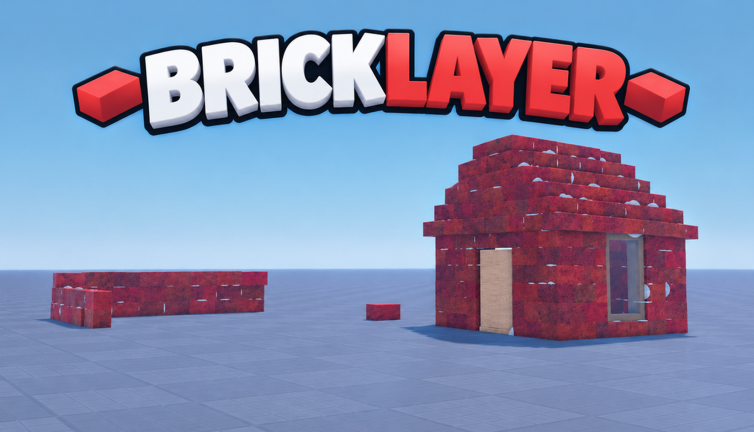
Spawn in, place your first bricks with Snap mode, and anchor them before the 4-minute despawn.
You start with basic materials and a workstation
Snap mode snaps one part to another, so bricks stay aligned
Unanchored parts despawn after 4 minutes as of Update 4.1
Each completed structure rewards in-game currency
Guides for building and wiring your first jobs, plus the game's tools, gamepasses, codes and change history.
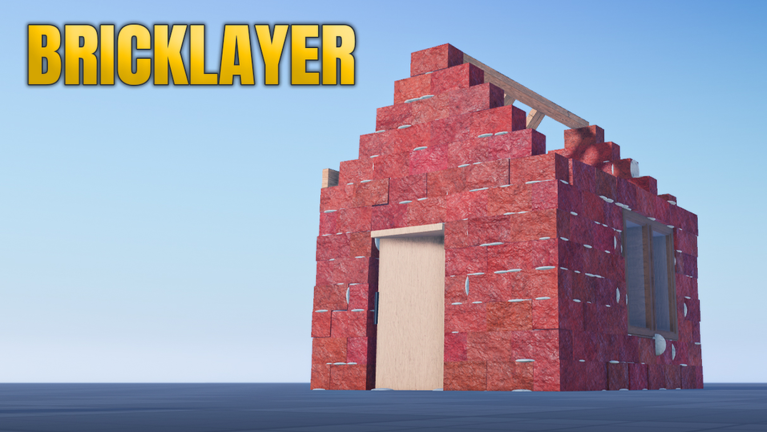
Electricity Bricklayer is a Roblox construction sandbox from TB Software, playable on mobile, PC, and console. Players can design and refine their own structures using different materials, then return to saved builds across sessions.
Explore Building TopicsDeveloper
TB Software
Platform
Roblox
Genre
Construction Sandbox
Created
Sep 28, 2026
Materials
Bricks, drywall, insulation, steel
Build Saving
200,000 items per slot
Play Style
Open-ended building
Max Players
7
Route wire from the power source to every connection point so the finished job counts and pays.
Bricks alone do not pay out on jobs that include wiring
Every structure that needs power shows them visibly
A left-to-right, ground-to-ceiling pass avoids missed points
The job completes and the full payment is collected
The named electrical pieces — wire, connection points, a power source, bulbs and logic gates — and what each does.
Visible markers on structures that need power — every point must be reached by wire before the job pays out.
Where a circuit starts; route wire from it to each connection point on the build.
The piece you place — run it to every connection point in sequence to power the structure.
The lights of the electrical set, named by the developer alongside wiring and logic.
The logic side of the system — Update 4.1 added NAND, NOR and XOR gates and changed the gate delay.
Unanchored parts vanish after 4 minutes — even in saved builds. Anchor first, then save.
Unanchored parts despawn after 4 minutes as of Update 4.1
Suggested responseAnchor each part within the 4-minute window — anchored parts are kept
Saving unanchored parts does not stop the despawn timer
Suggested responseAnchor the parts first, then save the build
The full loop from simple brick jobs to a wired, anchored house that pays and fits in one save slot.
First structure jobs are simple brick placements with quick payouts
Snap mode, cutting and the measurement tool help parts fit
Unanchored parts despawn after 4 minutes
Higher-tier houses need wiring before the job counts as finished
One save slot holds up to 200,000 items as of Update 4
Three gamepasses on the store page — and four listings that are just support purchases.
| Listing | Price | Type |
|---|---|---|
| Hammer | 20 Robux | Game pass |
| Custom Bricks | 40 Robux | Game pass |
| Extra Slots | 50 Robux | Game pass |
Whether any Electricity Bricklayer codes are listed right now, with each code's reward and status.
No Electricity Bricklayer codes are currently reported working.
Quick answers to the questions Electricity Bricklayer players ask most, answered by the guides on this site.
Explore the wiring and circuit guides, or head to Roblox and start building.